

For a café, restaurant, bakery or shop, the Google Business Profile is often the first impression. Someone searches for bubble tea or a bakery nearby, and before they ever see your website or your shopfront, they see your profile: your photos, your hours, your rating, a few words about you. Many decide right there.
It is free, and it rewards a little regular care more than almost anything else in marketing. Here is how to get it right.
Claim it, verify it, and keep ownership yourself
If your business is not claimed yet, claim and verify it. If someone else set it up, a former manager or an agency, make sure the business itself holds the main owner role and that others are added as managers. Losing access to your own profile is a surprisingly common and painful problem.
Choose your categories carefully
Your primary category is one of the most important settings on the profile. Pick the one that describes what you mainly are: café, bubble tea shop, bakery, Italian restaurant. Add secondary categories only for things you genuinely offer. More is not better; accurate is.
Get hours exactly right
Wrong hours are the fastest way to lose a customer for good. Keep regular hours current, set special hours for holidays and closures ahead of time, and use the additional hours options for things like brunch, takeaway or delivery windows if they differ from your main hours.
Photos: real, recent and plentiful
Photos do more selling on a profile than any text. Aim for a steady supply of real pictures:
- The outside, so people recognise you from the street
- The inside, so they know what to expect
- Your food or products, shot in good light
- Your team, because people like to know who they are buying from
Add new ones through the year, especially when the menu or season changes. Skip stock images entirely.
Description and attributes
Write a short description in plain language: what you serve, what you are known for, what makes you different. Then work through the attributes Google offers, such as outdoor seating, vegetarian options or a wheelchair-accessible entrance. Mark only the ones that are true. They are how you appear when people search for those specific things.
Link to a real menu
If you are a restaurant or café, link your menu to a page on your own website where the menu is written as text, not a photo or a PDF. It is easier for customers to read on a phone and easier for search engines to understand.
Use updates
You can post short updates to your profile: a new seasonal drink, an event, a holiday schedule. They do not need to be frequent, but an occasional fresh post shows a business that is active.
Reviews: ask well, reply always
- Ask at the right moment: a card on the table, a line on the receipt, a QR code at the counter.
- Reply to every review, good and bad. Thank people specifically. Answer criticism calmly, briefly and without arguing.
- Never pay for reviews or reward five stars. It breaks Google’s rules and can cost you the profile.
Check it regularly
Members of the public can suggest edits to your profile, and some changes go through without you noticing. Look at your profile at least once a month to make sure the name, hours, address and photos are still yours and still right.
Make it look like you
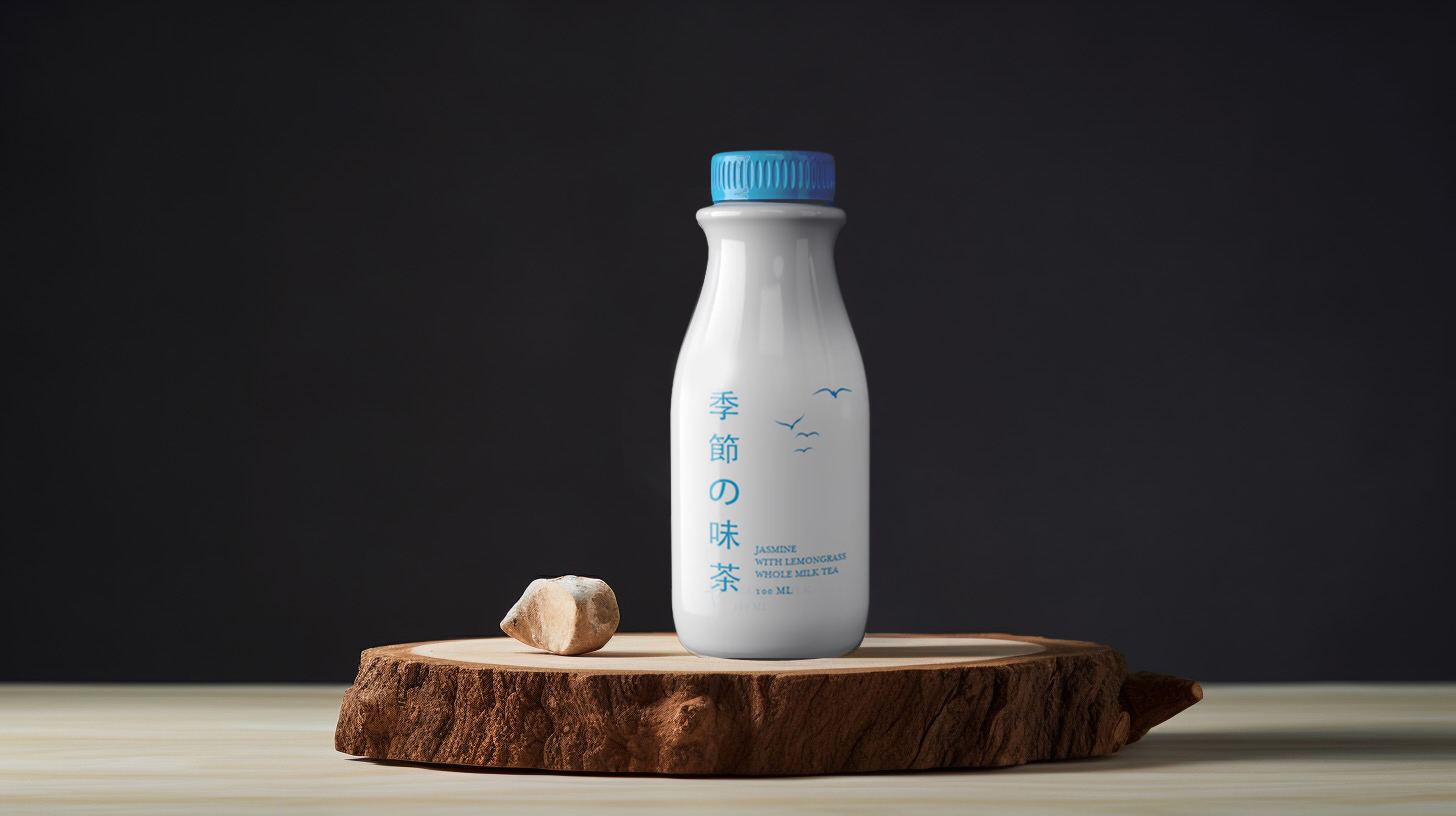
Your profile is part of your brand. Use your real logo, a cover photo that looks like the experience of visiting, and your name written exactly as it appears on your sign. For Seasons Milk Tea, the muted colours and simple illustrations of the packaging carry straight through to the website we designed, so the brand looks the same wherever someone meets it. Your Google profile should do the same, so the place someone finds online is clearly the place they walk into.
If you want help making your business look as good online as it does in person, get in touch.