

Accessibility can sound like a technical checklist, something for developers to worry about at the end of a project. It is better thought of as a brand question. Your brand is the experience people have of your business, and if some of them cannot read your product page, use your menu or finish checking out, that is their experience of you.
The people who benefit are more numerous than most businesses assume: people with low vision or colour blindness, people who navigate by keyboard or with a screen reader, older customers, someone with a broken wrist, someone reading their phone in bright sunshine. Designing for them makes a site better for everyone.
Contrast and colour
Text needs enough contrast against its background to be read comfortably. The widely used standard, WCAG, sets a minimum contrast ratio of 4.5 to 1 for normal text and 3 to 1 for large text. Pale grey text on white, or white text over a busy photo, often falls short.
Never rely on colour alone to carry meaning. A product marked “sold out” only by turning its name red is invisible to many colour-blind visitors. Add a word or an icon as well.
Type that can be read
Set body text at a comfortable size, keep lines from running too long, and leave enough space between them. Make sure the page still works when someone enlarges the text in their browser.
Images
Give meaningful images a short text description, known as alt text, that says what the picture shows: “Strawberry sparkling water can on a stone table with fresh strawberries” rather than “image 3”. Purely decorative images should be marked so screen readers skip them. Avoid putting important words inside images at all.
Keyboard and focus
Everything on the site should work without a mouse: menus, filters, the basket, checkout. As someone moves through the page with the Tab key, they should always be able to see where they are.
Forms that explain themselves
Every field needs a visible label, not just placeholder text that disappears once you start typing. Error messages should say in words what went wrong and how to fix it.
Motion with an off switch
Animation can be part of a brand’s character, but some people find movement distracting or even physically unpleasant. Browsers let visitors ask for reduced motion, and a well-built site honours that request. Avoid anything that flashes, and give carousels and videos a pause control.
Structure
Use real headings in a logical order, so someone using a screen reader can skim the page the way a sighted visitor scans it. Write links that make sense on their own: “See the Strawberry flavour” rather than “click here”.
Where accessibility meets search
Much of what makes a site accessible also makes it easy for search engines to understand: clear headings, descriptive text for images, real text instead of words baked into pictures, fast pages that work well on phones. The same structure that helps a screen reader helps a search engine and an AI assistant.
The legal side, briefly
In the United States, website accessibility claims under the Americans with Disabilities Act are common. In the European Union, the European Accessibility Act has applied to many businesses selling online to EU consumers since June 2025. We are not lawyers, and this is not legal advice, but building to WCAG 2.2 level AA is the sensible target either way. Plug-in “overlay” widgets that promise instant compliance do not fix the underlying problems; accessibility has to be built in.
Start at the brand, not at launch
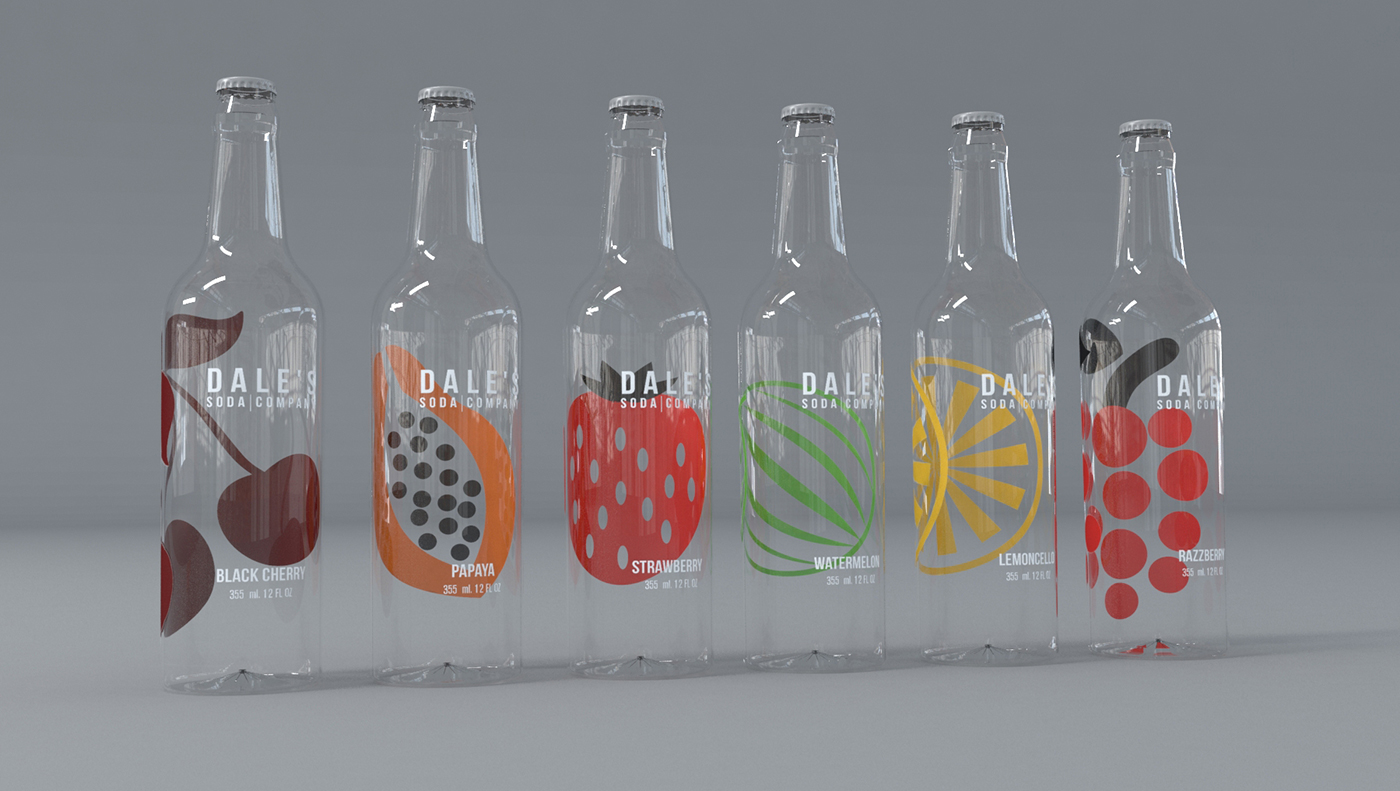
The cheapest time to get accessibility right is when the identity is designed: test brand colours for contrast before they are fixed, and choose typefaces that stay legible at small sizes. While designing the website for Dale’s Soda, we measured white text over the opening photograph and found the pale background left it hard to read. So the logo now sits in white on a solid black tab, and the navigation is set in dark type where the image is light. The brand stays bold, and nobody has to squint.
If you want a website that works for every customer, let’s talk.